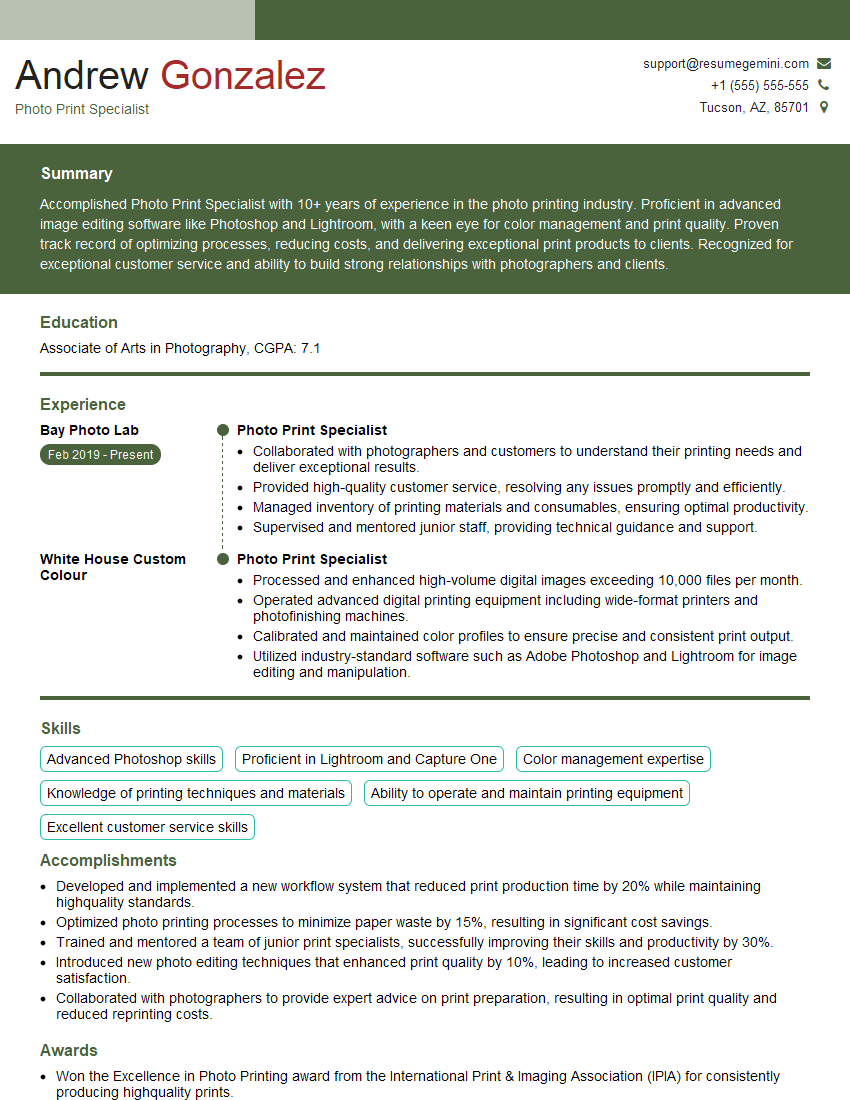
Are you gearing up for an interview for a Photo Print Specialist position? Whether you’re a seasoned professional or just stepping into the role, understanding what’s expected can make all the difference. In this blog, we dive deep into the essential interview questions for Photo Print Specialist and break down the key responsibilities of the role. By exploring these insights, you’ll gain a clearer picture of what employers are looking for and how you can stand out. Read on to equip yourself with the knowledge and confidence needed to ace your next interview and land your dream job!
Acing the interview is crucial, but landing one requires a compelling resume that gets you noticed. Crafting a professional document that highlights your skills and experience is the first step toward interview success. ResumeGemini can help you build a standout resume that gets you called in for that dream job.






Essential Interview Questions For Photo Print Specialist
1. How do you ensure that the colors in the printed photos match the colors on the digital file?
- Calibrate the printer and monitor regularly using a colorimeter.
- Use a color management system (CMS) to convert colors from the digital file to the printer’s color space.
- Create and use custom color profiles for different types of paper and printers.
- Proof prints before mass production to verify color accuracy.
2. What are the different types of photo papers available, and how do you choose the right one for a specific project?
Glossy Paper
- Provides a high-gloss finish with vibrant colors and sharp details.
- Suitable for prints that will be framed or displayed in well-lit areas.
Matte Paper
- Has a non-reflective finish that reduces glare.
- Produces softer colors and a more subtle look.
- Ideal for prints that will be handled or mounted on a surface.
Fine Art Paper
- Made from high-quality cotton or fiber blends.
- Provides a textured surface that enhances the aesthetics of the print.
- Often used for limited edition prints or archival purposes.
3. How do you handle and store photo prints to prevent damage?
- Wear gloves when handling prints to avoid fingerprints and smudges.
- Store prints in a cool, dry place away from direct sunlight and heat sources.
- Use archival-quality sleeves or boxes to protect prints from dust, moisture, and pests.
- Avoid touching or bending the prints.
4. What are the different techniques used to enhance the quality of photo prints?
- Sharpening to improve image clarity and detail.
- Color correction to adjust the brightness, contrast, and saturation of the image.
- Retouching to remove blemishes, adjust skin tones, and improve overall appearance.
- Dithering to reduce banding and improve the smoothness of color gradients.
5. How do you troubleshoot common printing problems, such as color shifts, banding, and paper jams?
Color Shifts
- Check printer settings, color profile, and ink levels.
- Clean the print heads.
Banding
- Adjust the printer’s dithering settings.
- Use high-resolution images.
Paper Jams
- Inspect the paper path for obstructions and remove any jammed paper.
- Check the paper size settings and ensure the paper is loaded correctly.
6. What are the safety precautions that should be taken when working with photo printing equipment?
- Wear appropriate safety gear such as gloves and eye protection.
- Never touch hot surfaces or electrical components.
- Handle chemicals with care and follow manufacturer instructions.
- Ventilate the work area properly.
7. How do you stay up-to-date with the latest trends and technologies in photo printing?
- Attend industry conferences and workshops.
- Read industry publications and online resources.
- Network with other photo printing professionals.
- Experiment with new techniques and equipment.
8. What is your experience with using different photo printing software, such as Adobe Photoshop and Lightroom?
- Proficient in using Adobe Photoshop for image editing, color correction, and retouching.
- Familiar with Lightroom for organizing, processing, and managing large volumes of photos.
- Experience with other photo editing software such as GIMP or Capture One.
9. How do you ensure customer satisfaction when providing photo printing services?
- Communicate clearly with customers to understand their needs.
- Provide accurate estimates and timelines for projects.
- Offer a variety of print options and price points to meet different budgets.
- Proof prints before final production to ensure accuracy.
- Go the extra mile to resolve any issues or concerns promptly.
10. Describe a challenging photo printing project you worked on and how you overcame the challenges.
I recently worked on a photo printing project for a wildlife photographer who wanted to display his images in a large gallery. The challenge was that many of the photos had been taken in low light conditions and required extensive color correction and retouching. I used a combination of Adobe Photoshop and Lightroom to adjust the exposure, white balance, and contrast of the images. I also spent considerable time removing noise and sharpening the details. The final result was a stunning collection of prints that showcased the photographer’s artistry and the beauty of the natural world.
Interviewers often ask about specific skills and experiences. With ResumeGemini‘s customizable templates, you can tailor your resume to showcase the skills most relevant to the position, making a powerful first impression. Also check out Resume Template specially tailored for Photo Print Specialist.
Career Expert Tips:
- Ace those interviews! Prepare effectively by reviewing the Top 50 Most Common Interview Questions on ResumeGemini.
- Navigate your job search with confidence! Explore a wide range of Career Tips on ResumeGemini. Learn about common challenges and recommendations to overcome them.
- Craft the perfect resume! Master the Art of Resume Writing with ResumeGemini’s guide. Showcase your unique qualifications and achievements effectively.
- Great Savings With New Year Deals and Discounts! In 2025, boost your job search and build your dream resume with ResumeGemini’s ATS optimized templates.
Researching the company and tailoring your answers is essential. Once you have a clear understanding of the Photo Print Specialist‘s requirements, you can use ResumeGemini to adjust your resume to perfectly match the job description.
Key Job Responsibilities
Photo Print Specialists serve as essential professionals in the photography industry, entrusted with the crucial task of producing high-quality photo prints for clients. Their responsibilities involve a diverse range of technical and interpersonal duties that demand expertise in photo processing, customer service, and attention to detail.
1. Photo Processing and Printing
Specialists excel at processing and editing digital image files, ensuring that photos are optimally corrected for color, contrast, and sharpness. They calibrate and operate specialized photo printers to produce high-quality prints in various sizes and finishes, meeting customer specifications and industry standards.
- Adjust and enhance photo files for optimal print quality.
- Operate photo printers efficiently and troubleshoot technical issues.
- Handle and store photo prints with utmost care, preserving their integrity.
2. Customer Service and Consultation
Photo Print Specialists interact directly with customers, providing personalized advice and guidance on photo printing options. They understand customer needs, explain technical aspects, and make recommendations based on individual preferences. Specialists go above and beyond to ensure a positive and memorable customer experience.
- Communicate effectively with customers, understanding their requirements.
- Provide expert recommendations on photo printing options and finishes.
- Resolve customer inquiries and complaints promptly and professionally.
3. Equipment Maintenance and Troubleshooting
Specialists maintain and troubleshoot photo processing equipment, ensuring smooth operations and minimizing downtime. They perform regular cleaning, calibrations, and minor repairs to keep printers and other equipment functioning optimally. By proactively addressing potential issues, they prevent disruptions and maintain a productive workflow.
- Conduct routine maintenance and cleaning of photo processing equipment.
- Troubleshoot and resolve technical issues to minimize disruptions.
- Collaborate with technical support teams or vendors for complex repairs.
4. Quality Assurance and Compliance
Photo Print Specialists adhere to strict quality standards, ensuring that every print meets customer expectations. They inspect prints for defects, color accuracy, and overall quality before delivery. Additionally, Specialists comply with industry regulations and environmental guidelines, managing waste disposal and adhering to ethical practices.
- Inspect and ensure the quality of photo prints before distribution.
- Comply with industry regulations and best practices for photo printing.
- Properly dispose of hazardous waste and follow environmental protocols.
Interview Preparation Tips
Preparation is key to excelling in an interview for a Photo Print Specialist position. By following these practical tips, candidates can increase their chances of making a lasting impression and securing the job.
1. Research the Company and Role
Take the time to thoroughly research the photography studio or printing company you are applying to. Familiarize yourself with their services, clientele, and company culture. Understanding the specific requirements of the Photo Print Specialist role will help you tailor your answers and demonstrate your suitability.
- Visit the company’s website and social media pages.
- Read online reviews and testimonials from customers.
- Identify the key responsibilities and qualifications outlined in the job description.
2. Practice Your Technical Skills
Sharpen your photo processing and printing skills before the interview. Practice using editing software, calibrating printers, and handling different types of photo papers. Being able to confidently discuss your technical abilities will showcase your competence and professionalism.
- Set up a home workstation to practice editing and printing photos.
- Attend workshops or online courses to enhance your technical knowledge.
- Prepare examples of your best print work to share with the interviewer.
3. Prepare for Behavioral Interview Questions
Many interviews incorporate behavioral interview questions that explore your past experiences and behaviors. These questions aim to assess your problem-solving abilities, teamwork skills, and customer service orientation. Prepare for common behavioral interview questions by reflecting on specific examples from your work history.
- Use the STAR method (Situation, Task, Action, Result) to structure your answers.
- Highlight your ability to handle customer inquiries and resolve issues effectively.
- Emphasize your attention to detail and commitment to producing high-quality work.
4. Dress Professionally and Arrive on Time
First impressions matter, so dress professionally and arrive punctually for your interview. Your attire should be neat, clean, and appropriate for a business setting. Punctuality demonstrates respect for the interviewer’s time and conveys a sense of organization and reliability.
- Choose business casual attire or a suit if the company culture is more formal.
- Arrive for your interview 10-15 minutes early to allow for unexpected delays.
- Bring copies of your resume and any relevant work samples.
Next Step:
Armed with this knowledge, you’re now well-equipped to tackle the Photo Print Specialist interview with confidence. Remember, preparation is key. So, start crafting your resume, highlighting your relevant skills and experiences. Don’t be afraid to tailor your application to each specific job posting. With the right approach and a bit of practice, you’ll be well on your way to landing your dream job. Build your resume now from scratch or optimize your existing resume with ResumeGemini. Wish you luck in your career journey!