Ever felt underprepared for that crucial job interview? Or perhaps you’ve landed the interview but struggled to articulate your skills and experiences effectively? Fear not! We’ve got you covered. In this blog post, we’re diving deep into the Cutting and Printing Machine Operator interview questions that you’re most likely to encounter. But that’s not all. We’ll also provide expert insights into the key responsibilities of a Cutting and Printing Machine Operator so you can tailor your answers to impress potential employers.
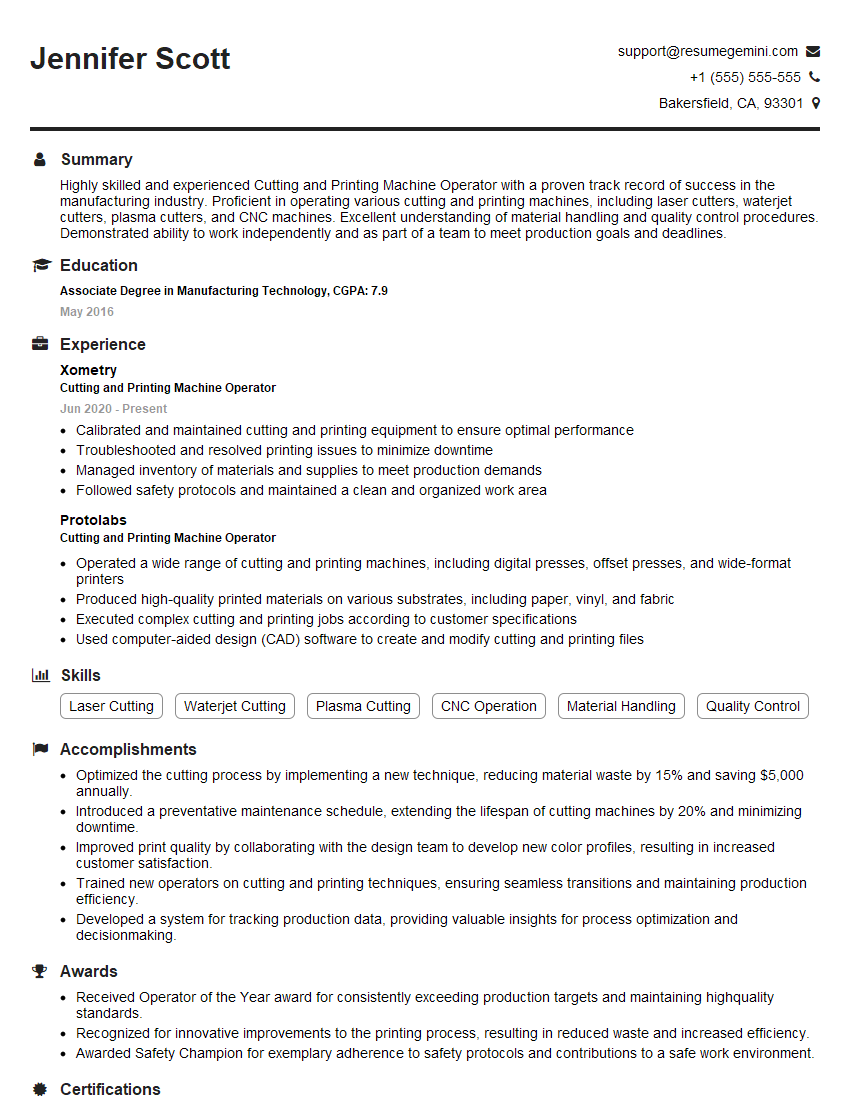
Acing the interview is crucial, but landing one requires a compelling resume that gets you noticed. Crafting a professional document that highlights your skills and experience is the first step toward interview success. ResumeGemini can help you build a standout resume that gets you called in for that dream job.






Essential Interview Questions For Cutting and Printing Machine Operator
1. Can you describe the process of setting up and operating a cutting and printing machine?
Setting up a cutting and printing machine involves several steps:
- Loading the material: The material to be cut and printed is loaded onto the machine’s bed.
- Positioning the material: The material is positioned according to the desired cutting and printing parameters.
- Setting the cutting parameters: The operator enters the cutting parameters, such as the depth of cut, speed, and power, into the machine’s control panel.
- Setting the printing parameters: The operator enters the printing parameters, such as the resolution, ink type, and print speed, into the machine’s control panel.
Operating the machine involves:
- Starting the cutting process: The operator initiates the cutting process, and the machine begins cutting the material according to the specified parameters.
- Monitoring the cutting process: The operator monitors the cutting process to ensure that it is proceeding as expected.
- Stopping the cutting process: The operator stops the cutting process once it is complete.
- Starting the printing process: The operator initiates the printing process, and the machine begins printing on the cut material according to the specified parameters.
- Monitoring the printing process: The operator monitors the printing process to ensure that it is proceeding as expected.
- Stopping the printing process: The operator stops the printing process once it is complete.
2. What types of materials can be cut and printed using this machine?
The types of materials that can be cut and printed using this machine include:
- Paper
- Cardboard
- Plastic
- Fabric
- Leather
3. How do you ensure that the cutting and printing quality meets the customer’s specifications?
To ensure that the cutting and printing quality meets the customer’s specifications, I follow these steps:
- Review the customer’s specifications: I carefully review the customer’s specifications to understand their requirements.
- Select the appropriate materials: I select the appropriate materials based on the customer’s specifications and the capabilities of the machine.
- Calibrate the machine: I calibrate the machine to ensure that it is cutting and printing accurately.
- Test the materials: I test the materials on the machine to ensure that they are cutting and printing as expected.
- Monitor the production process: I monitor the production process to ensure that the cutting and printing quality is consistent.
- Inspect the finished products: I inspect the finished products to ensure that they meet the customer’s specifications.
4. What is your experience with troubleshooting cutting and printing problems?
I have experience troubleshooting various cutting and printing problems, including:
- Paper jams
- Cutting errors
- Printing errors
- Ink smudging
- Machine malfunctions
To troubleshoot these problems, I follow these steps:
- Identify the problem: I identify the problem by observing the symptoms and error messages.
- Determine the cause: I determine the cause of the problem by checking the machine, materials, and settings.
- Resolve the problem: I resolve the problem by making the necessary adjustments to the machine, materials, or settings.
- Test the solution: I test the solution to ensure that the problem has been resolved.
5. How do you maintain and clean the cutting and printing machine?
I maintain and clean the cutting and printing machine by following these steps:
- Daily maintenance: I perform daily maintenance tasks, such as cleaning the machine, lubricating the moving parts, and checking the ink levels.
- Weekly maintenance: I perform weekly maintenance tasks, such as cleaning the print heads and replacing the ink cartridges.
- Monthly maintenance: I perform monthly maintenance tasks, such as checking the machine’s calibration and performing a thorough cleaning.
6. What is your experience with using different software programs to create cutting and printing designs?
I have experience using various software programs to create cutting and printing designs, including:
- Adobe Illustrator
- CorelDRAW
- Inkscape
I use these software programs to create designs for a variety of purposes, such as:
- Logos
- Business cards
- Flyers
- Brochures
- Posters
7. How do you stay up-to-date with the latest cutting and printing technologies?
I stay up-to-date with the latest cutting and printing technologies by:
- Attending industry trade shows and conferences
- Reading industry publications
- Taking online courses
- Networking with other professionals in the field
8. What are some of the challenges you have faced in your previous role as a Cutting and Printing Machine Operator?
Some of the challenges I have faced in my previous role as a Cutting and Printing Machine Operator include:
- Meeting tight deadlines
- Working with a variety of materials
- Troubleshooting machine problems
- Maintaining a clean and safe work environment
I have overcome these challenges by:
- Prioritizing my work and managing my time effectively
- Learning how to work with a variety of materials
- Developing my troubleshooting skills
- Following safety procedures and maintaining a clean work environment
9. What are your strengths and weaknesses as a Cutting and Printing Machine Operator?
My strengths as a Cutting and Printing Machine Operator include:
- Attention to detail
- Excellent hand-eye coordination
- Ability to work independently and as part of a team
- Strong troubleshooting skills
- Commitment to safety
My weaknesses as a Cutting and Printing Machine Operator include:
- I am still learning how to work with some of the more complex materials.
- I am not yet familiar with all of the features of the machine.
I am working to improve my weaknesses by:
- Practicing working with a variety of materials.
- Reading the machine’s manual and attending training courses.
10. Why are you interested in this position?
I am interested in this position because it offers the opportunity to use my skills and experience as a Cutting and Printing Machine Operator in a challenging and rewarding environment.
I am confident that I have the skills and experience necessary to be successful in this role. I am a hard worker, I am dedicated to quality, and I am always willing to learn new things.
I am also excited about the opportunity to work for your company. I believe that my skills and experience would be a valuable asset to your team.
Interviewers often ask about specific skills and experiences. With ResumeGemini‘s customizable templates, you can tailor your resume to showcase the skills most relevant to the position, making a powerful first impression. Also check out Resume Template specially tailored for Cutting and Printing Machine Operator.
Career Expert Tips:
- Ace those interviews! Prepare effectively by reviewing the Top 50 Most Common Interview Questions on ResumeGemini.
- Navigate your job search with confidence! Explore a wide range of Career Tips on ResumeGemini. Learn about common challenges and recommendations to overcome them.
- Craft the perfect resume! Master the Art of Resume Writing with ResumeGemini’s guide. Showcase your unique qualifications and achievements effectively.
- Great Savings With New Year Deals and Discounts! In 2025, boost your job search and build your dream resume with ResumeGemini’s ATS optimized templates.
Researching the company and tailoring your answers is essential. Once you have a clear understanding of the Cutting and Printing Machine Operator‘s requirements, you can use ResumeGemini to adjust your resume to perfectly match the job description.
Key Job Responsibilities
Cutting and Printing Machine Operators are responsible for operating cutting and printing machines to produce a variety of products. They must ensure that the machines are operating properly and that the products meet quality standards.
1. Machine Operation
Operate cutting and printing machines to produce products such as labels, packaging, and textiles.
- Set up and adjust machines according to specifications.
- Monitor machines during operation and make necessary adjustments.
2. Quality Control
Inspect products to ensure that they meet quality standards.
- Check for defects such as tears, wrinkles, or misalignments.
- Reject products that do not meet standards.
3. Maintenance
Perform basic maintenance on cutting and printing machines.
- Lubricate machines.
- Clean machines and replace worn parts.
4. Safety
Follow safety procedures when operating cutting and printing machines.
- Wear appropriate safety gear, such as gloves and safety glasses.
- Keep work area clean and free of hazards.
Interview Tips
Preparing for an interview for a Cutting and Printing Machine Operator position can help you put your best foot forward and increase your chances of success. Here are a few tips to help you prepare:
1. Research the Company and the Position
Before your interview, take some time to research the company and the position you are applying for. This will help you understand the company’s culture, values, and what they are looking for in a candidate.
- Visit the company’s website.
- Read online reviews of the company.
- Talk to people who work at the company, if possible.
2. Practice Your Answers to Common Interview Questions
There are a few common interview questions that you are likely to be asked during an interview for a Cutting and Printing Machine Operator position. Practicing your answers to these questions will help you feel more confident and prepared during your interview.
- Tell me about yourself.
- Why are you interested in this position?
- What are your strengths and weaknesses?
3. Be Prepared to Talk About Your Experience
During your interview, you will be asked about your experience operating cutting and printing machines. Be prepared to talk about your skills and experience in detail.
- Highlight your experience with different types of cutting and printing machines.
- Describe your experience with quality control and safety procedures.
4. Dress Professionally
First impressions matter, so it is important to dress professionally for your interview. This means wearing clean, pressed clothes that are appropriate for a business setting.
- Avoid wearing casual clothing, such as jeans or t-shirts.
- Choose clothes that are comfortable and that you can move around in easily.
Next Step:
Now that you’re armed with interview-winning answers and a deeper understanding of the Cutting and Printing Machine Operator role, it’s time to take action! Does your resume accurately reflect your skills and experience for this position? If not, head over to ResumeGemini. Here, you’ll find all the tools and tips to craft a resume that gets noticed. Don’t let a weak resume hold you back from landing your dream job. Polish your resume, hit the “Build Your Resume” button, and watch your career take off! Remember, preparation is key, and ResumeGemini is your partner in interview success.